The easiest way to make sure that your license dongle is up to date is to follow these instructions:
1) With the USB dongle plugged in, go to the Dongle Licensing website.
2) Select: "License Update"
3) Select: "Update Licenses"
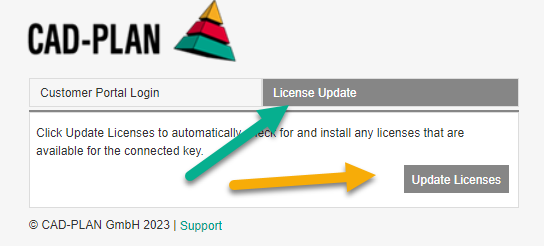

The easiest way to make sure that your license dongle is up to date is to follow these instructions:
1) With the USB dongle plugged in, go to the Dongle Licensing website.
2) Select: "License Update"
3) Select: "Update Licenses"